
The new SharePoint UI has arrived with a lot fewer buttons to distract you. Now, we have Home, Discover, Publish, Build, and OneDrive. In this blog, we are going to look at what is actually hidden inside that Discover tab.
The new categories are aimed at making it easier for users to figure out which SharePoint features are found where. Under Discover, you will find your sites, news, people, favorites, and recent items.
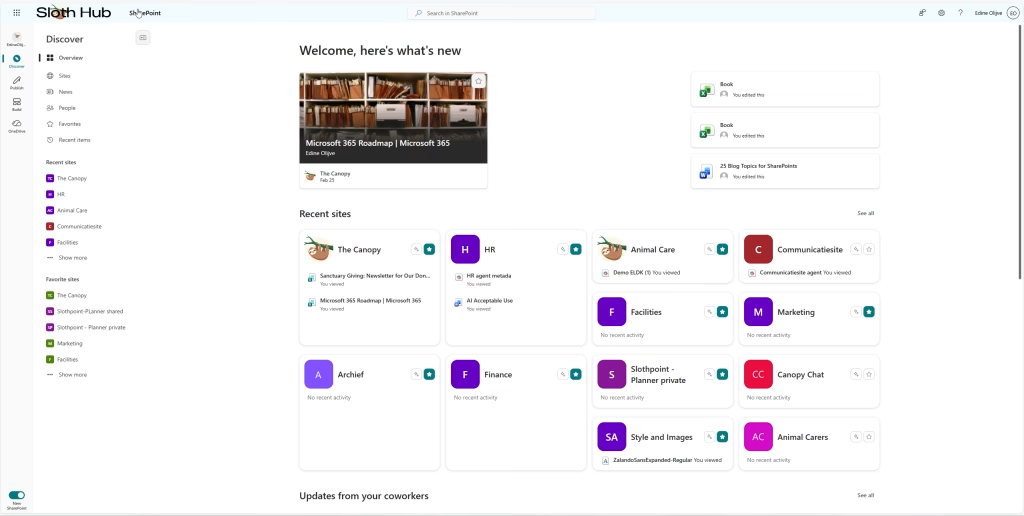
The Overview Page
You first land on the Overview page, which gives you a small snippet of every other menu. This is sorted by what the algorithm finds most useful for the person looking at the page. If you want a more detailed look, you can just click on the side menu or “see all” to find more.
Sites and AI Actions
Sites looks just like the old overview we know, but for M365 Copilot license holders, there is a new feature. Each site has an icon with two small stars that gives you three example prompts. When you click it, a context menu opens with “AI actions” and prompts like:
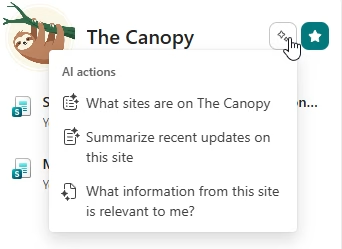
- “What sites are on <hubsite>?” (if it is a main hub)
- “How can you help me?”
- “Summarize recent updates on this site?”
- “What information from this site is relevant to me?”
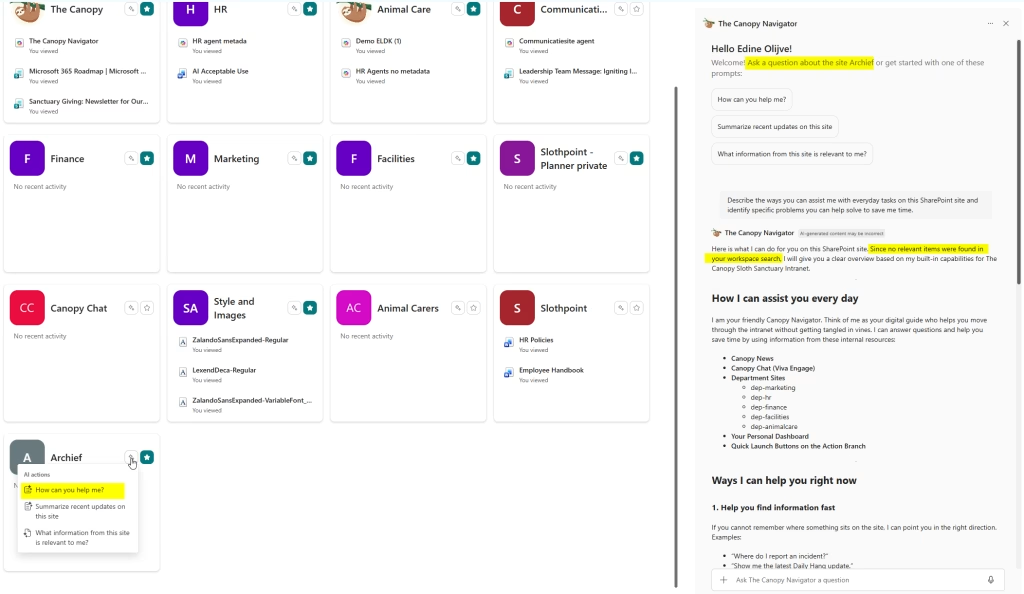
Currently, it opens a chat on the right side of the browser using the default custom SharePoint agent for my intranet hub. I honestly do not believe this is intended. It should be a general Copilot chat that uses the site you clicked on as grounding.
News and AI Summaries
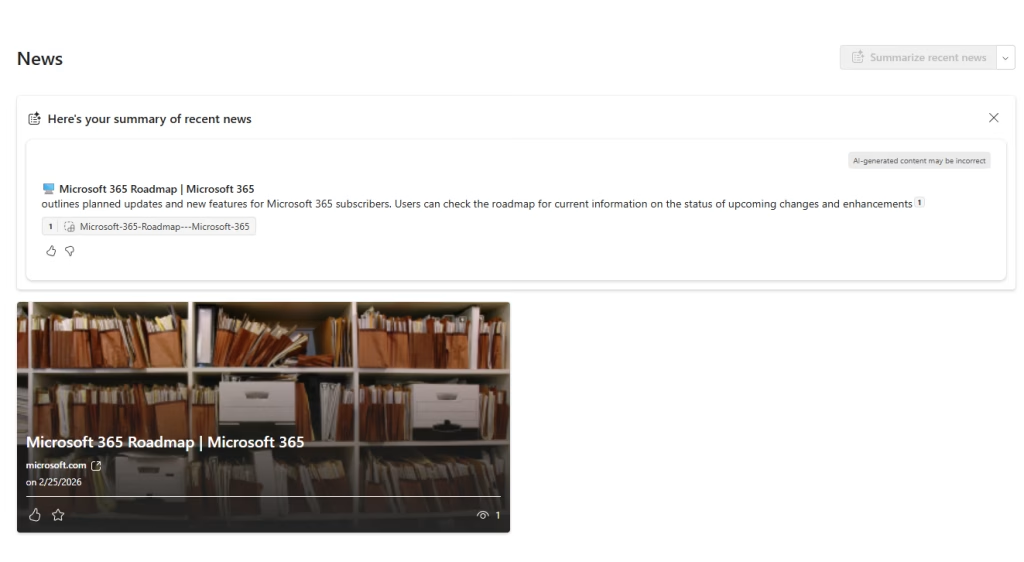
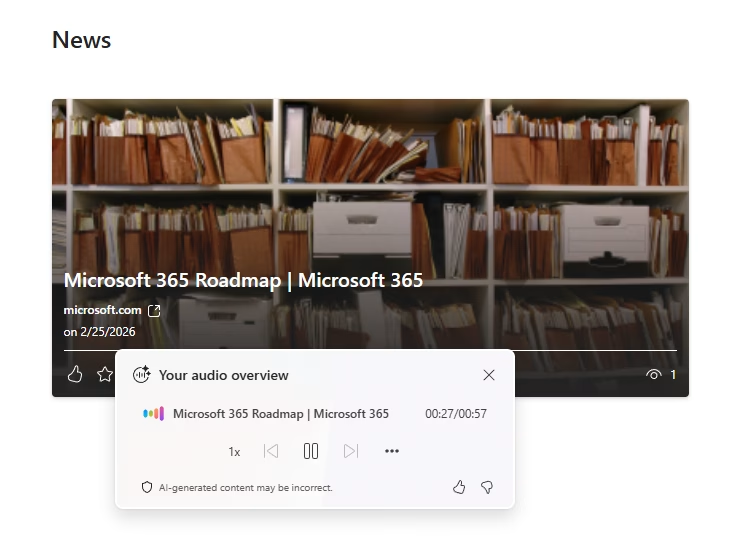
Under News, you will find recent updates. For me, it is only showing news that is less than a month old. There are also some new AI features here for users with a Copilot license: an AI summary of all recent news, available in either text or voice. This is a feature we already know from Viva Connections!
People
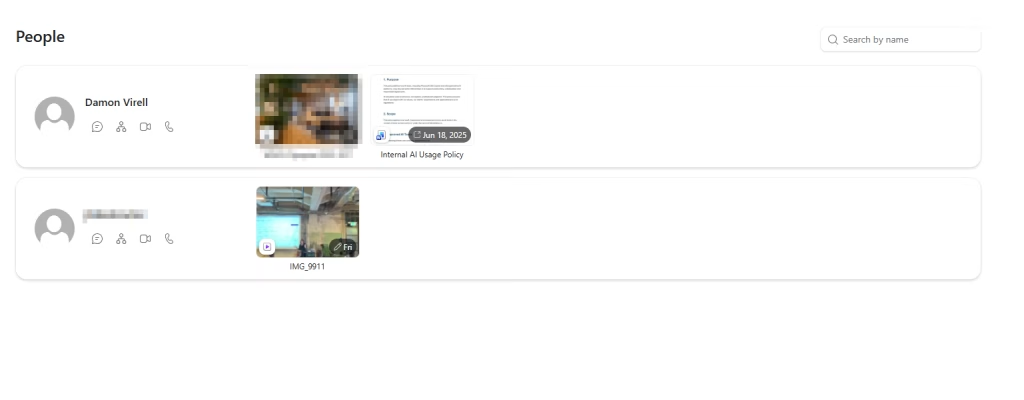
Under People, we see a little bit of Delve delving itself back up (sorry not sorry for that one). This is an overview of internal accounts and guests that you have recently interacted with by sharing files through mail or the sharing dialogue. The files and people seen here are only accounts within the tenant and files that the logged-in user shared with them. There is nothing fishy going on here.
Favorites and Recent Items
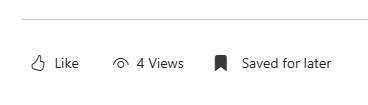
Under Favorites, you will find not just the files you have favorited, but also pages and news posts. Those last two are new! Just so you know, in this context, a favorite page or news post is one that you have “Saved for later.”
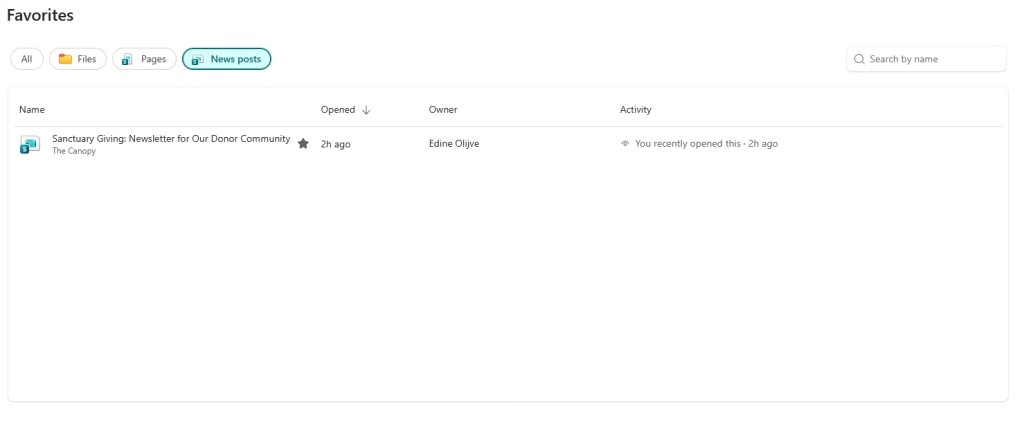
Just like with Favorites, the Recent items tab now includes pages and news posts alongside your files. I really missed having a quick way to find SharePoint pages and news posts without having to navigate to the site and dive into the Site Contents, so I am really glad about this update.
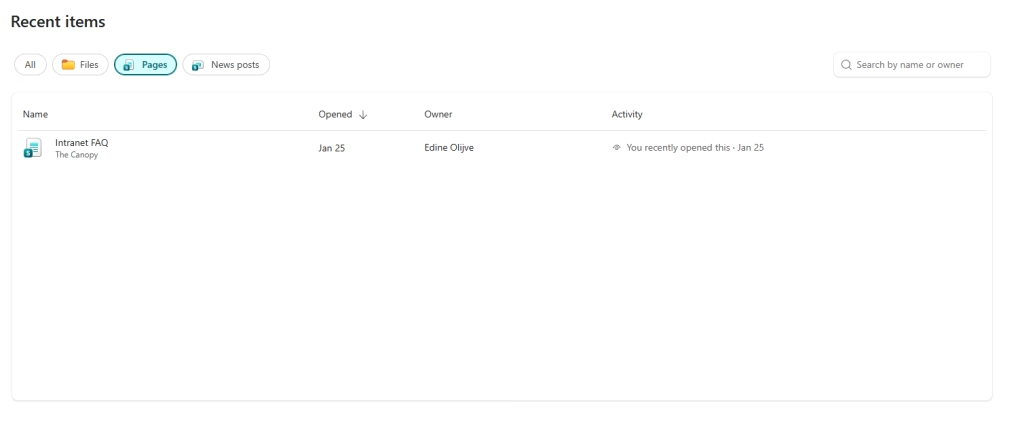
As you can tell, the Discover tab is aimed at the regular SharePoint user as a solid entry point to find recent files, news, and sites. In the next couple of blogs we will take a look at everything we can find under “Publish” and “Build”!