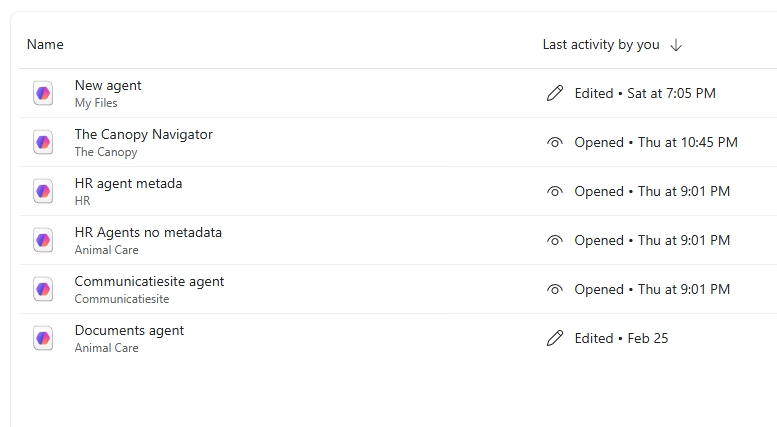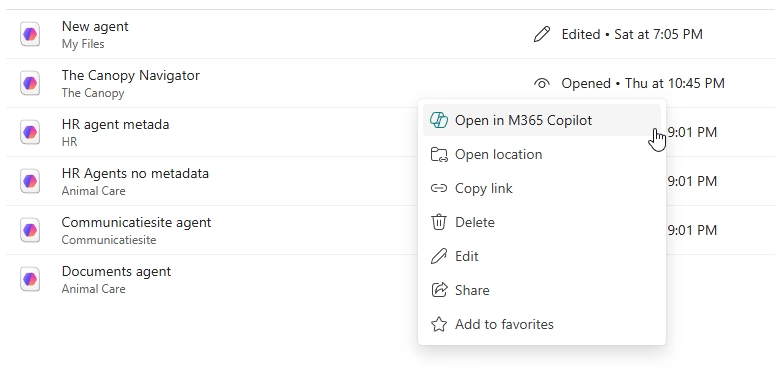
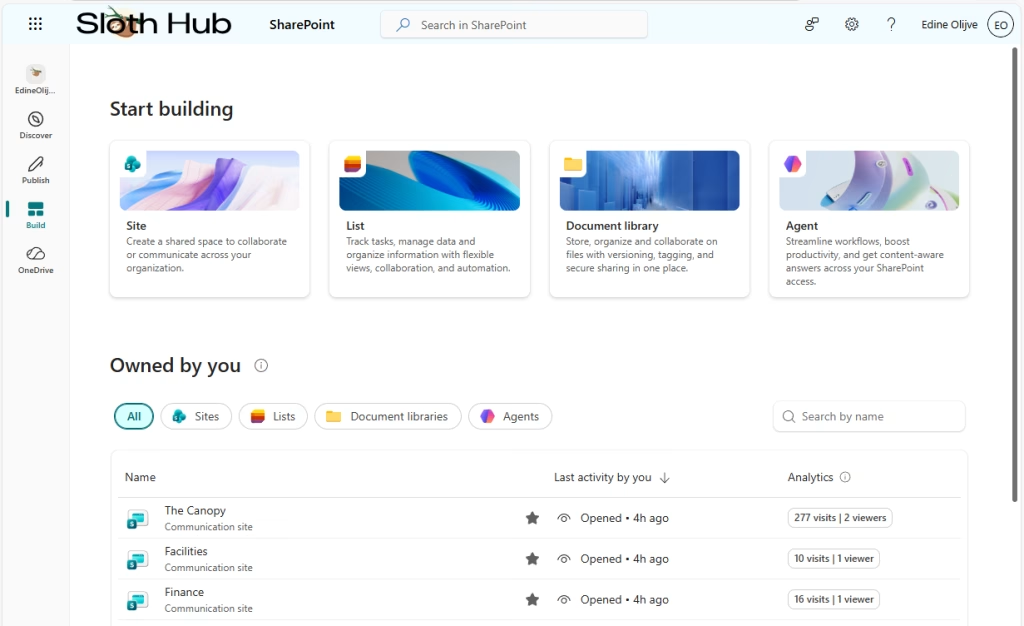
Last on our list of new tabs is the Build tab. This is your new home for creating sites, document libraries, lists, and agents. While sites and lists haven’t changed much lately, having a single overview of everything you own is a nice touch. One thing to note: the overview of document libraries only shows the ones you created yourself. It doesn’t include the standard “Documents”, “Site Pages” etc libraries that comes with every site.
Creating document libraries
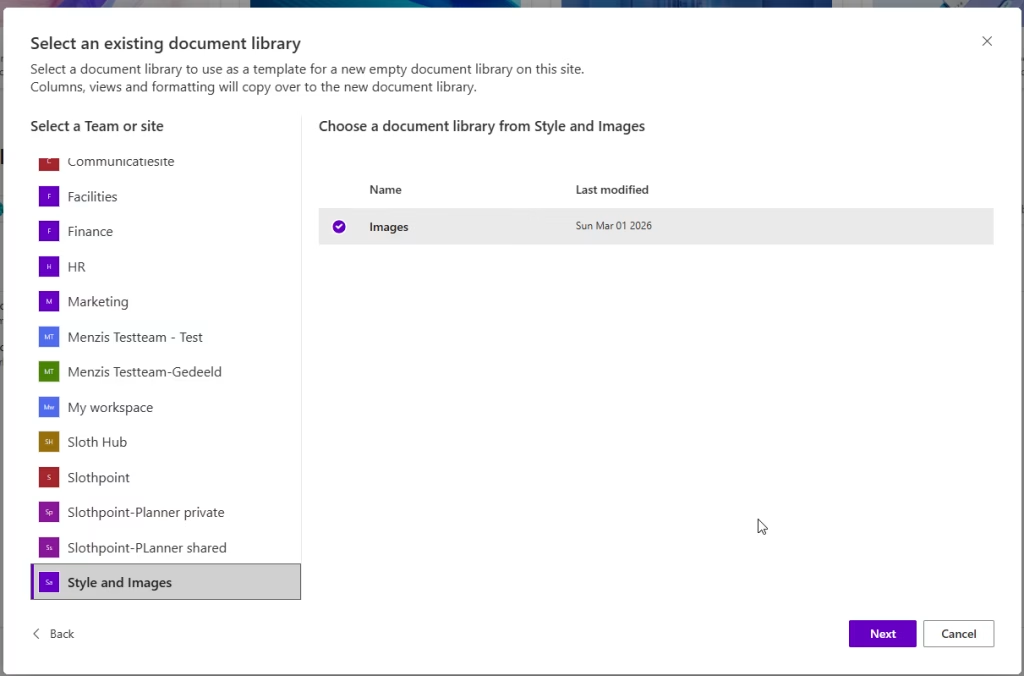
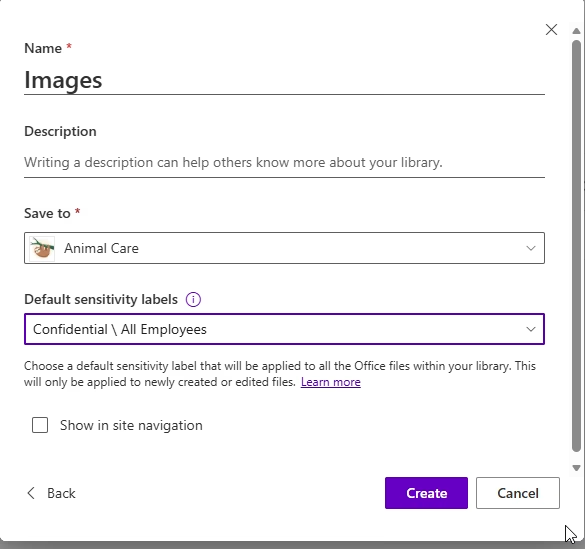
When you create a new document library, you can start from scratch, use a template, or copy an existing library. This last option is a real time-saver because it copies all the columns from the original.If your original library uses AI-assisted autofill, the new one will copy that too. This includes the prompts used to fill the columns. This is incredibly useful if you have a setup that works well across different departments. However, be careful if your prompts are very specific to the files in the original library, as they might not work as well in a different context. To copy a library, you only need “read” access to the original. But of course, you still need the correct permissions to create the new library in its destination.
Creating SharePoint Agents
The agent creation process is simple. All you need is a Copilot license. To create an agent, read-only access is enough to add a location as its source. As with all things AI, proper data and access governance is key. These agents are also available to chat with in M365 Copilot app, or in Teams. But unlike agents created from Teams, SharePoint agents are available to anyone with a Copilot license (or PAYG) who has access to the SharePoint site where it is stored. If someone doesn’t have access to all the files the agent is grounded on, it will only use the files that the person interacting with the agent has permission to see.